 ITG Now
Home › Tools and repos › AI tools › Figma Make
Figma Make: Turn a written idea into an app screen design you can click through
Other AI tools for design
Each one opens its own page with the price and a link.
v0
Vercel
Describe a website or app screen and it builds a working version
Free plan + paid from $30/user/month
Ideogram
Makes pictures from text and is good at putting words in images
Free plan + paid from $20/month
Canva AI
Canva
Design posts, posters, and slides with AI help and templates
Free plan + paid from $144/year
Free GitHub alternatives
Free, open-source tools from GitHub in the same area, each with a plain-English guide.
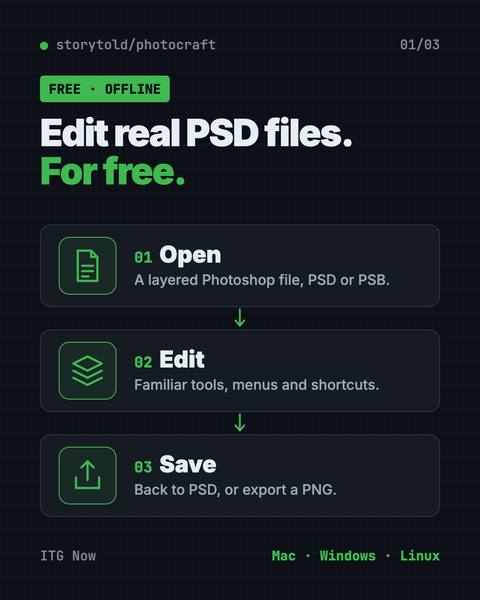
PhotoCraft: Free PSD Editor That Works Like Photoshop
It opens and saves real layered PSD files and runs offline on Mac, Windows and Linux.
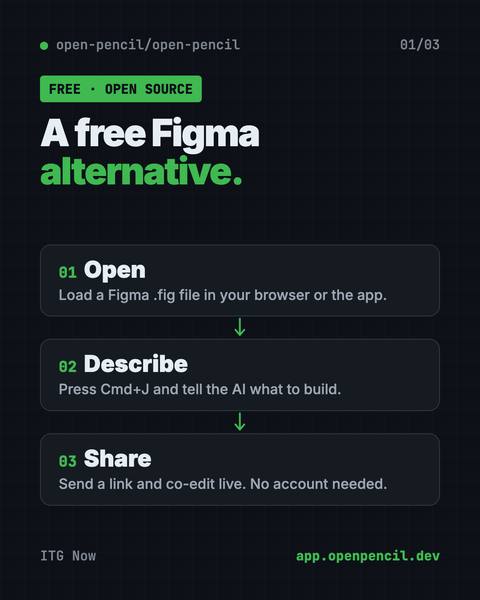
OpenPencil: Free Figma Alternative With AI
It opens and saves .fig files, builds designs from a chat prompt, and lets you co-edit live with no account.
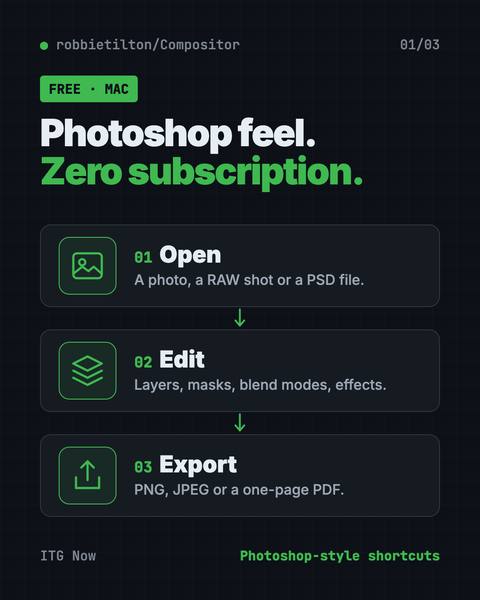
Compositor: Free Photoshop Alternative for Mac
Compositor is a free Photoshop alternative for Mac with layers, masks, blend modes and Photoshop-style shortcuts.
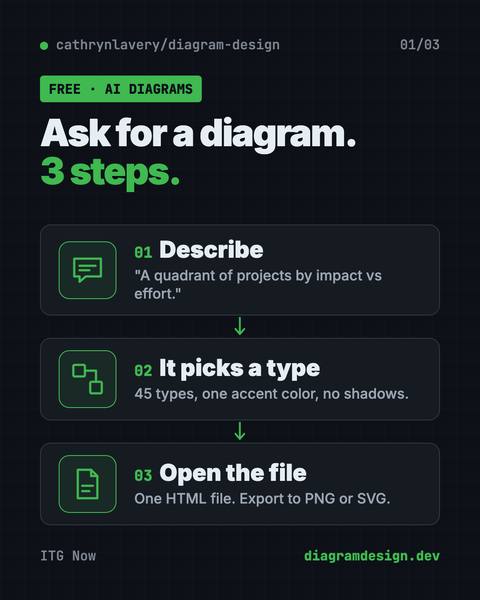
On-Brand Diagrams with Claude: Diagram Design Guide
Ask in plain words and get a clean diagram in one file you can open anywhere.
FAQ
Is Figma Make free?
Figma Make has a free plan. Paid plans start at $16/seat/month, billed yearly, as listed on its pricing page (checked 19 Oct 2026). Prices can change, so check before you pay.
What is Figma Make for?
Turn a written idea into an app screen design you can click through. We list it under Design and App building. Good for designers and engineers.
Who makes Figma Make?
Figma Make is made by Figma.