 ITG Now
GitHub stars
As listed in each guide when we last checked
Home › Tools and repos › For designers
Free, open-source AI tools from GitHub that fit designers, explained simply.
These free tools are for people who make things look good: websites, slides, diagrams, photos and brand pages. Some are full apps, like a free Figma alternative that opens .fig files and two Photoshop-style editors that open PSD files. Others are skills and style files that steer an AI helper such as Claude Code, so the pages and diagrams it makes look on-brand instead of generic. Some of them run inside an AI coding helper, and every guide walks you through the setup step by step. Each guide also lists the license and the price, so you know what you are getting before you install anything.
Newest first. Each card opens the full guide.
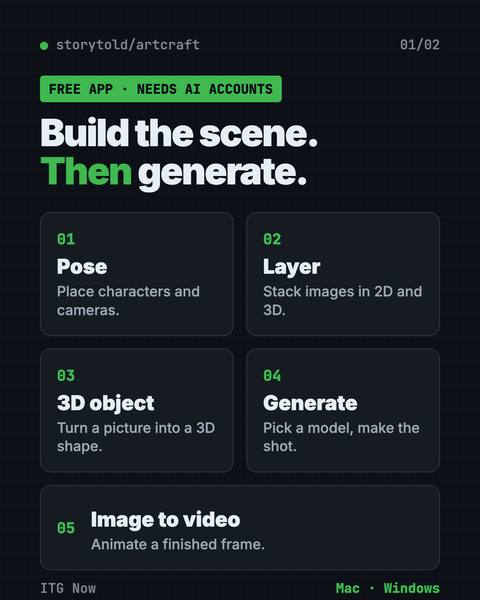
Build your scene in 2D or 3D first, then let an AI model make the image or video.
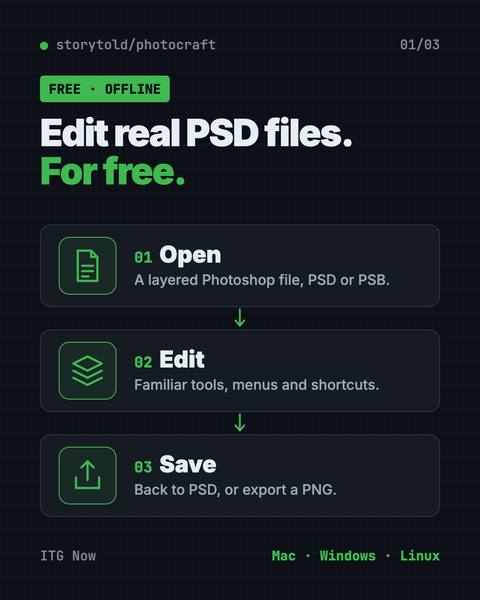
It opens and saves real layered PSD files and runs offline on Mac, Windows and Linux.
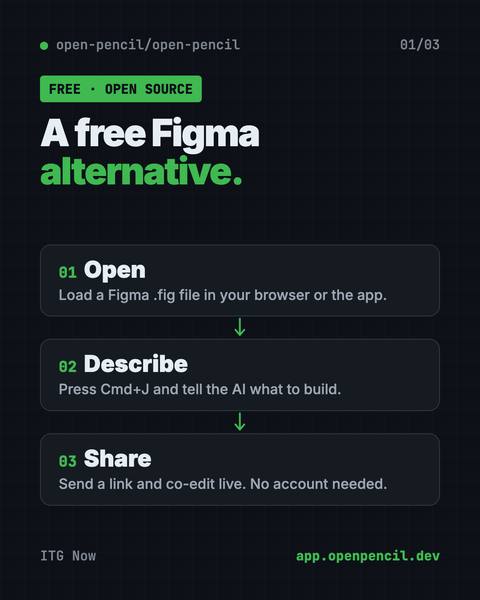
It opens and saves .fig files, builds designs from a chat prompt, and lets you co-edit live with no account.
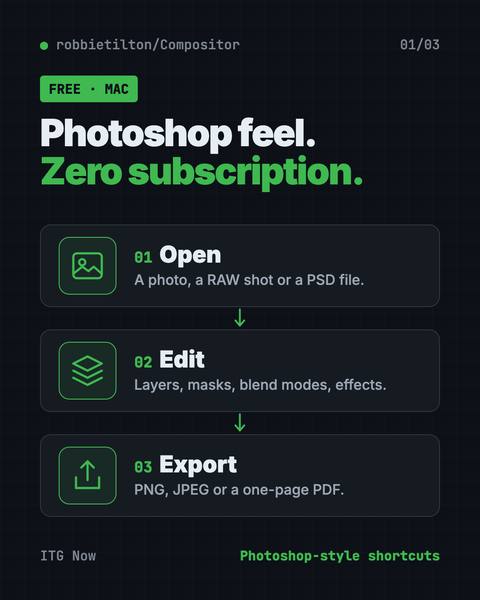
Compositor is a free Photoshop alternative for Mac with layers, masks, blend modes and Photoshop-style shortcuts.
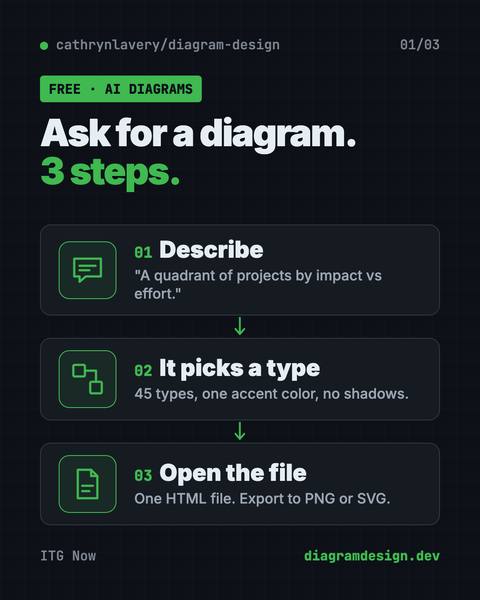
Ask in plain words and get a clean diagram in one file you can open anywhere.
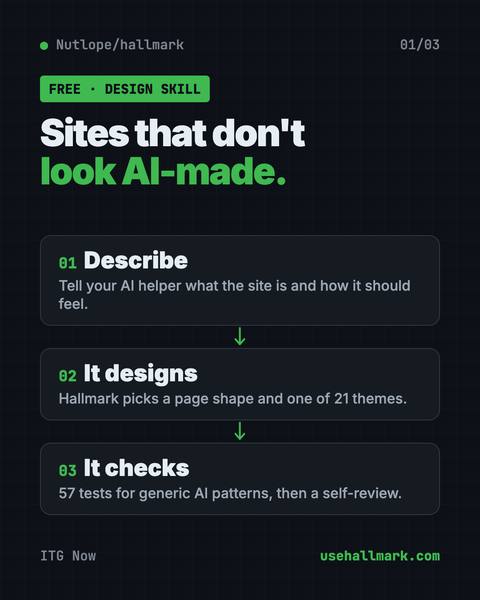
It steers your AI away from generic pages so each site looks like its own brand.
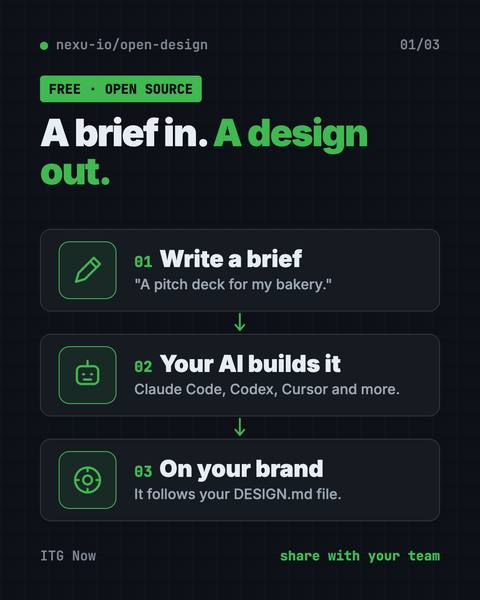
It uses Claude Code, Codex or Cursor to make on-brand prototypes, slide decks, dashboards and images.
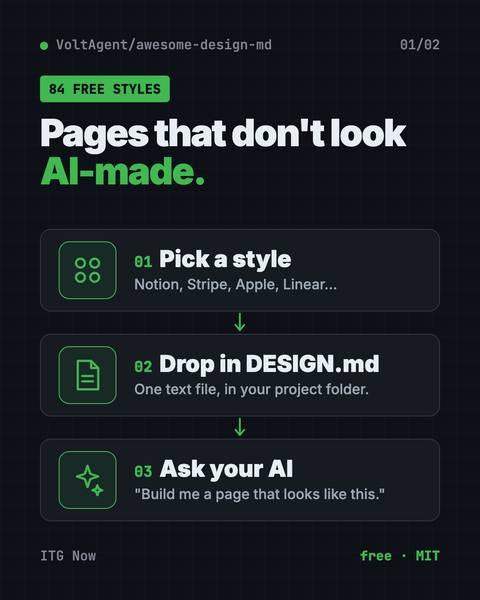
Drop one in your project and Claude Code or Cursor builds pages in that site's style.
Free and paid AI apps that fit designers. Prices come from each app's own pricing page, checked on the date shown.
Vercel
Describe a website or app screen and it builds a working version
Free plan + paid from $30/user/month
Makes pictures from text and is good at putting words in images
Free plan + paid from $20/month
Leonardo.Ai
Makes pictures and short videos from text, with many style options
Free plan + paid from $12/month
Make and edit pictures and videos with many AI models in one place
Free plan + paid from $35/month
Comfy Org
Free tool to build your own picture and video making steps, like Lego
Free plan + paid from $20/monthOpen source
Figma
Turn a written idea into an app screen design you can click through
Free plan + paid from $16/seat/month, billed yearly
Stars are a rough sign of how many people find a tool useful.
The same guides, sorted by who they fit.
All 8 tools here are open source on GitHub. By license: MIT (5), MIT or Apache-2.0 (2), Apache-2.0 (1). A tool can be free while an AI service it connects to is not, so check the price row in each guide's at-a-glance table.
Awesome DESIGN.md, with 121.5K stars when our guide last checked (2026-10-16).
3 of the 8 guides that list platforms say Mac, Windows and Linux. Each guide's at-a-glance table names the platforms for that tool.
ArtCraft: Free AI Video and Image Studio (2026), published 2026-10-18.
We count visits with Google Analytics to see what helps. OK with that?