 ITG Now
GitHub stars
As listed in each guide when we last checked
Home › Tools and repos › For engineers
Free, open-source AI tools from GitHub that fit engineers and developers, explained simply.
These are free tools for people who write code, or who build apps with an AI coding helper like Claude Code or Codex. Many of them are add-ons that change how your AI helper works: they make it plan before it codes, test its own work, remember your project, or read fewer tokens so each session costs less. Others are full tools, like a database client, a light headless browser for AI agents, or a way to run Linux containers on a Mac. Every guide shows the install steps from the tool's own README, a ready prompt you can paste into your AI helper, and our honest pros and cons. Start with the one that fixes the problem you hit most this week.
Newest first. Each card opens the full guide.
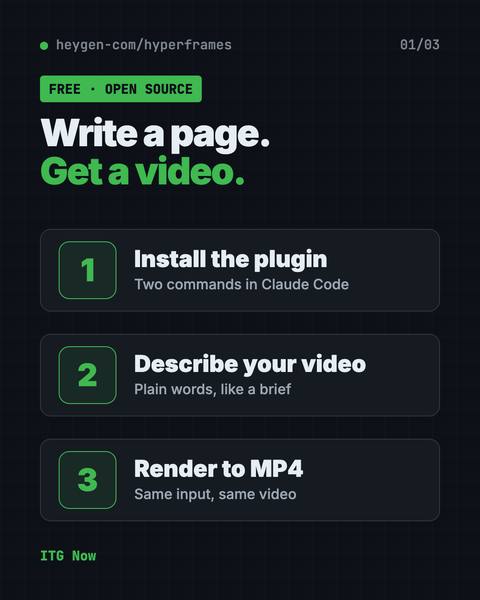
HyperFrames is a free tool that makes AI video from HTML.
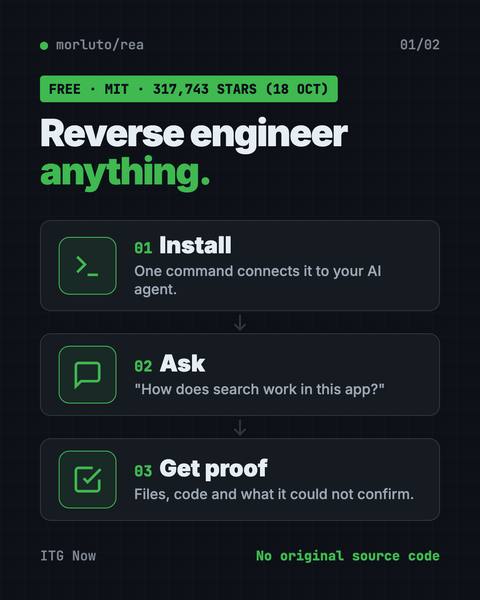
REA (Reverse Engineer Anything) lets an AI agent look inside an app and explain how a feature works, with proof.
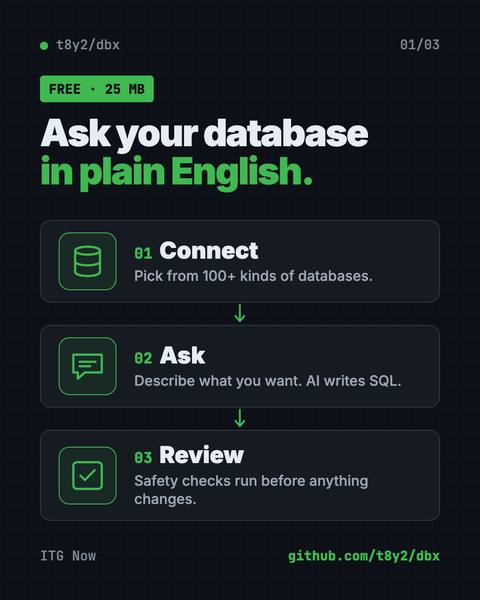
Its AI helper turns plain English into database queries for you.
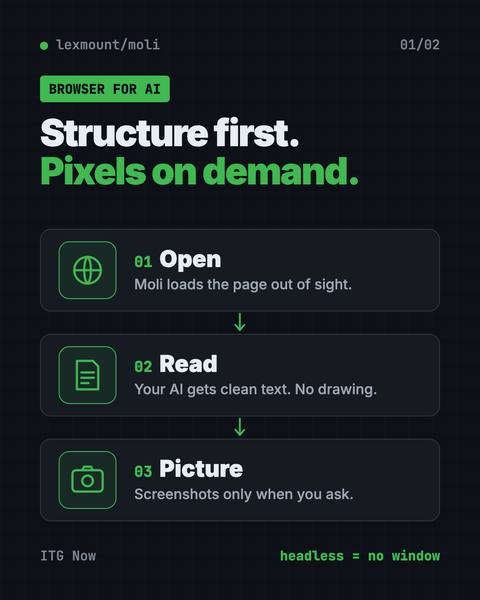
It lets AI helpers read, search and use websites fast, while using far less memory than Chrome.
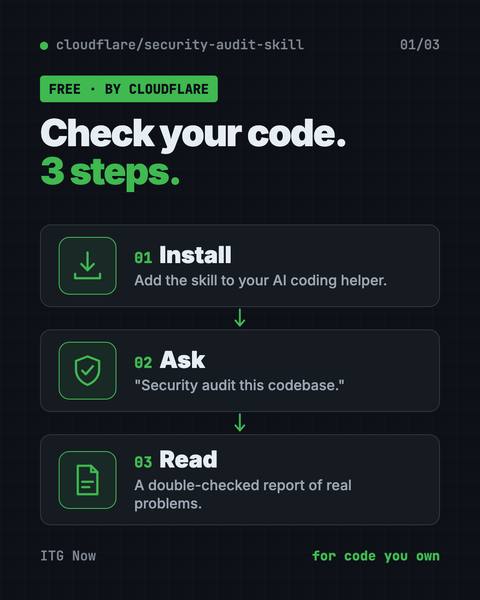
It turns your AI coding helper into a careful reviewer that writes a clear report.
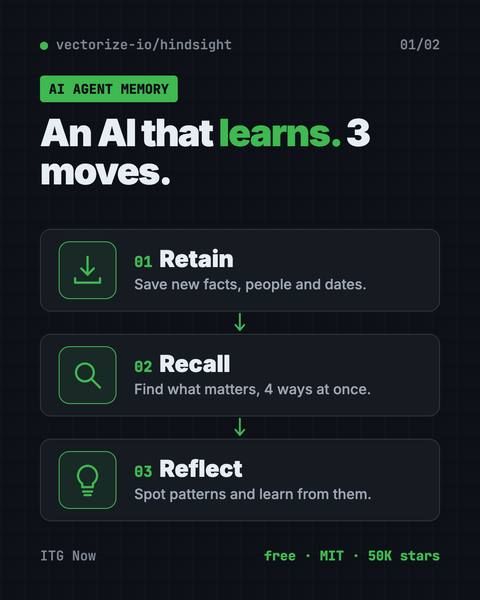
It helps AI helpers remember past chats and learn from them.
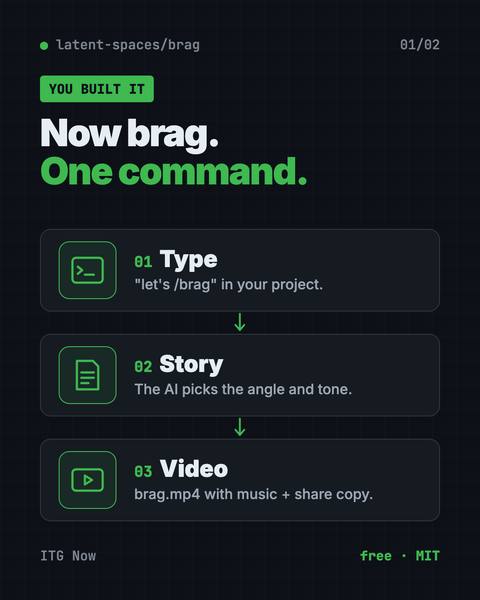
Type one command in Claude Code or Codex and it turns your project into a short video with music and share text.
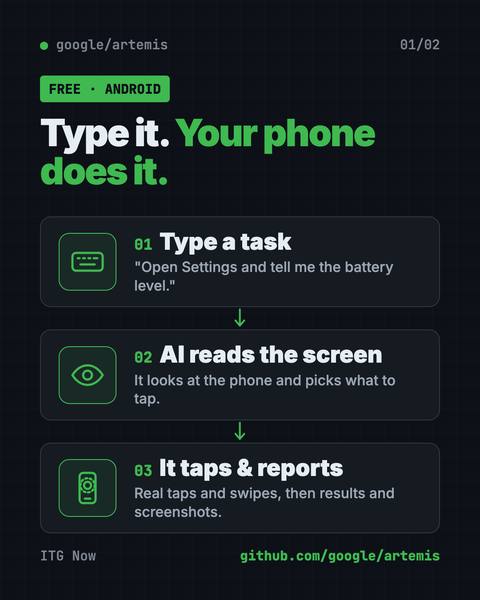
Type a task in plain English and an AI taps, swipes and tests apps on a real Android phone for you.
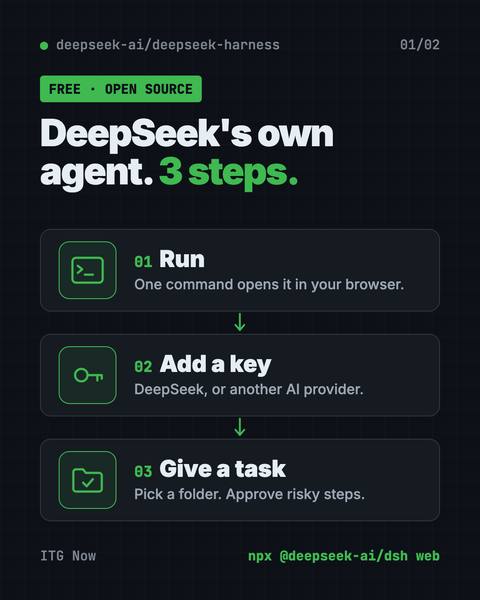
Every feature is a plugin you can swap or build, and it runs in your browser with one command.
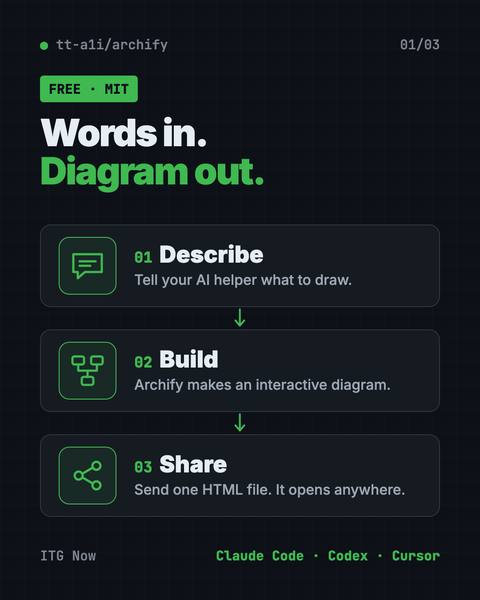
Describe an idea, plan or codebase to Claude Code or Codex and get an interactive diagram as one shareable web page.
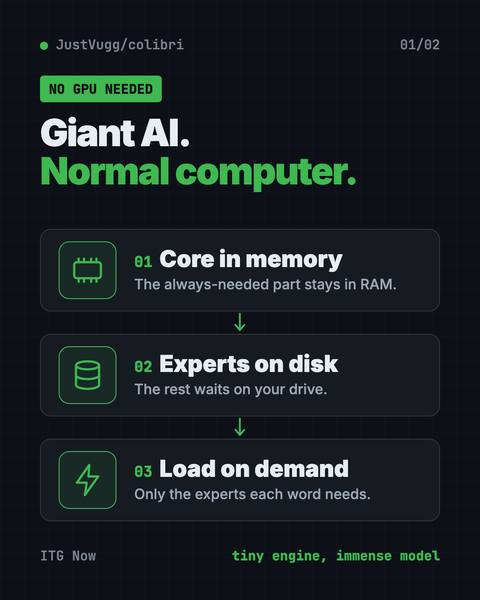
Colibri is a free tool to run large AI models locally on the computer you already own.
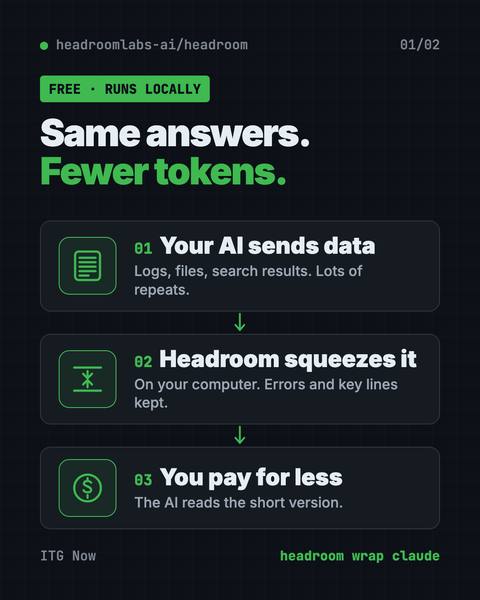
It shrinks logs, files and data on your computer before your AI reads them, so answers stay the same.
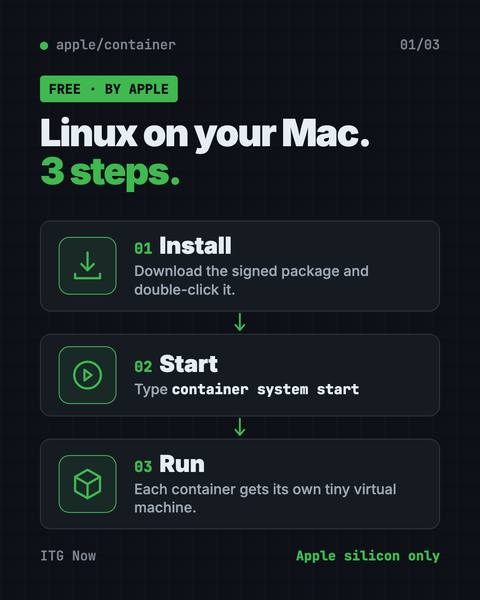
Each one runs in a tiny virtual machine, tuned for Apple silicon and macOS 26.
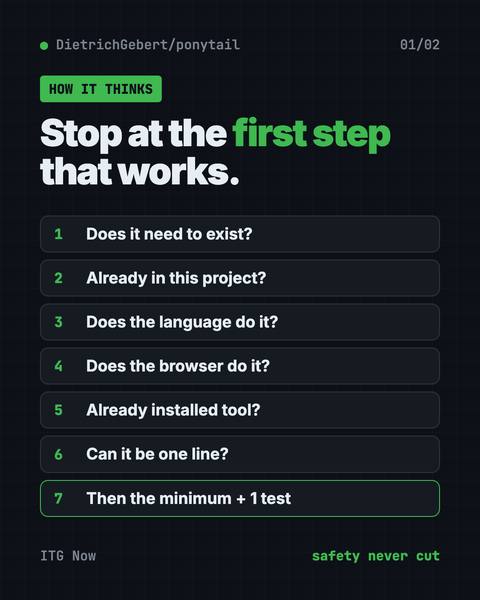
The Ponytail skill is one free prompt that makes your AI coding helper reuse what exists, write half the code, and still keep the tests and safety checks.
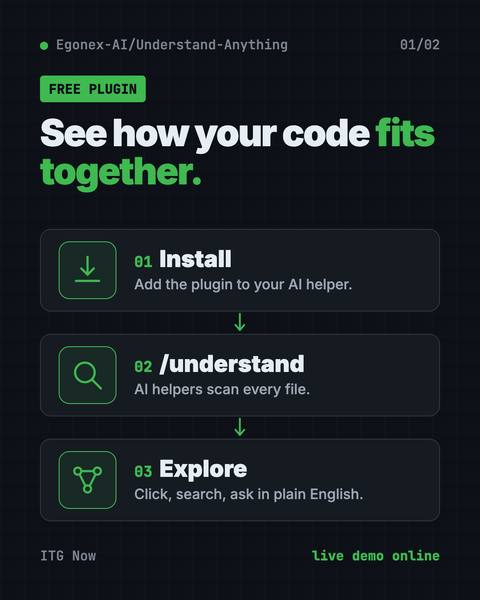
Understand Anything is a free plugin that lets you visualize any codebase as a clickable map with plain-English notes, guided tours and a chat for questions.
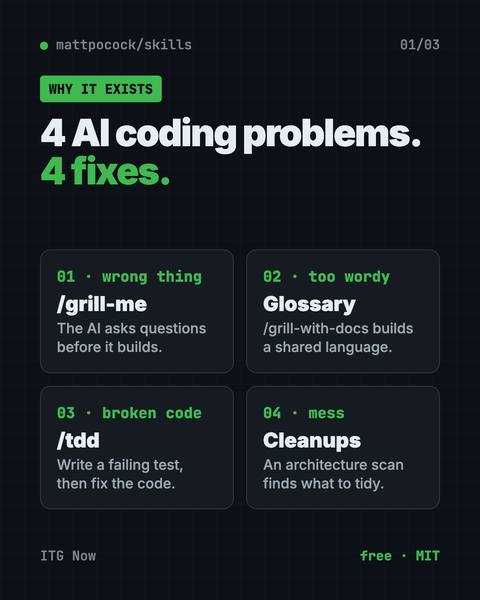
Matt Pocock skills are free add-ons that make Claude Code, Codex and Copilot ask better questions, test their work and keep your code tidy.
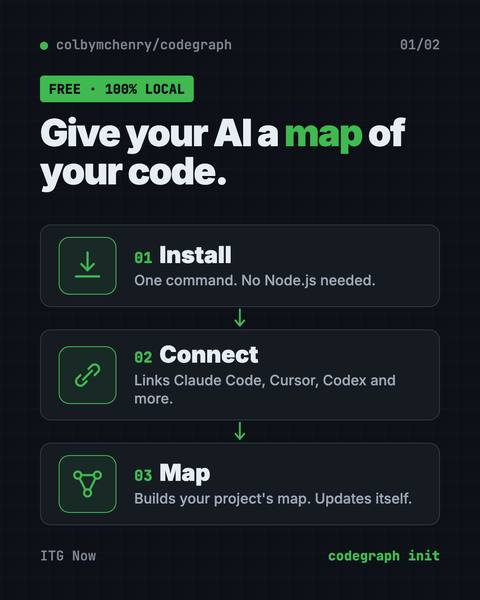
CodeGraph for Claude Code builds a local map of your code, so your AI helper finds the right files in one step.
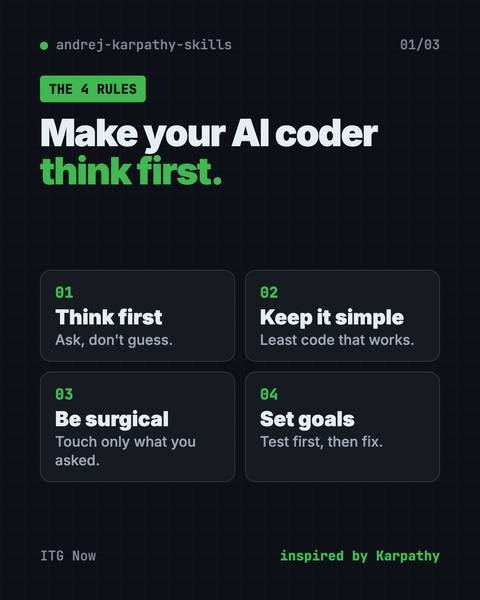
Karpathy skills for Claude Code is one free rules file that makes your AI coder ask first, keep code simple and only change what you asked for.
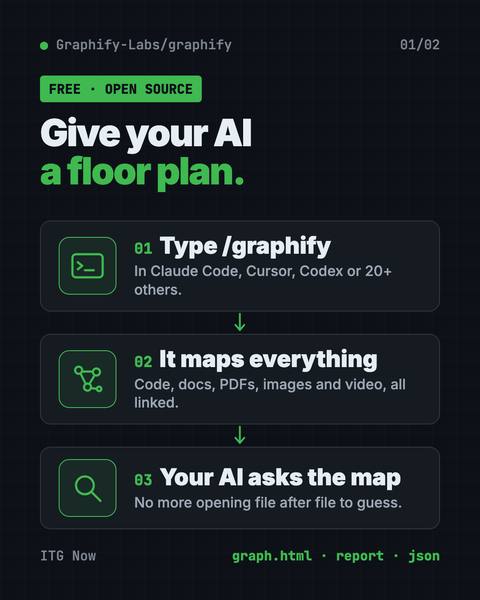
A graphify knowledge graph turns your code, docs, PDFs and videos into one clickable map, so your AI helper looks things up instead of guessing.
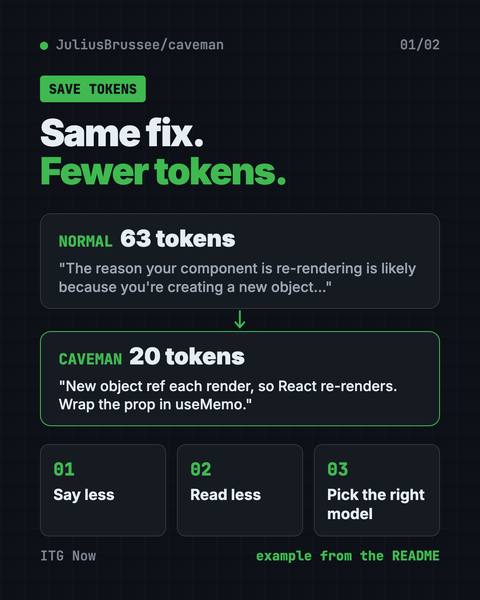
Your AI helper gives short answers and reads less noise, so each session costs less.
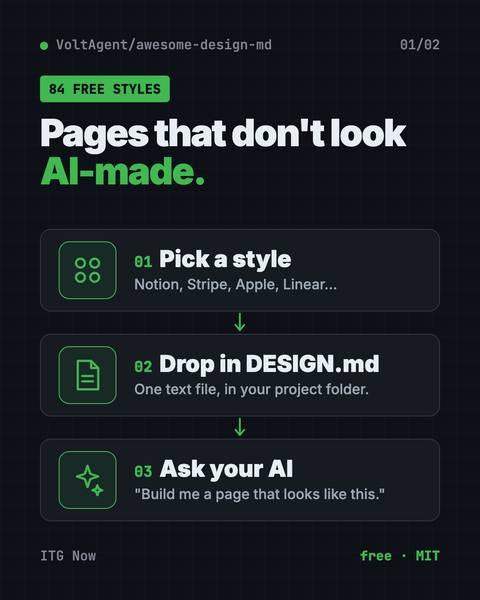
Drop one in your project and Claude Code or Cursor builds pages in that site's style.
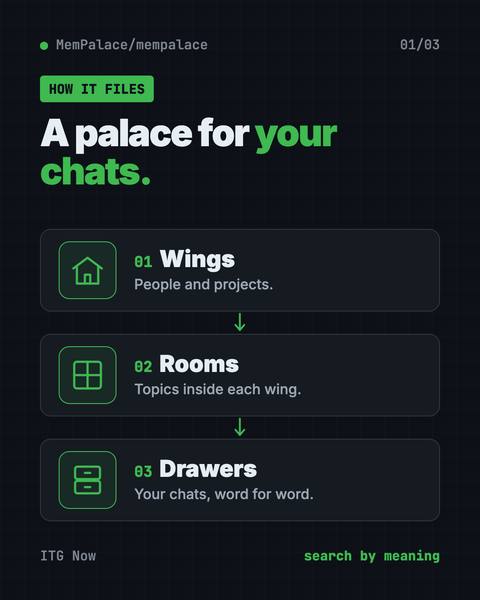
It saves your chats word for word on your own computer and finds the right one later.
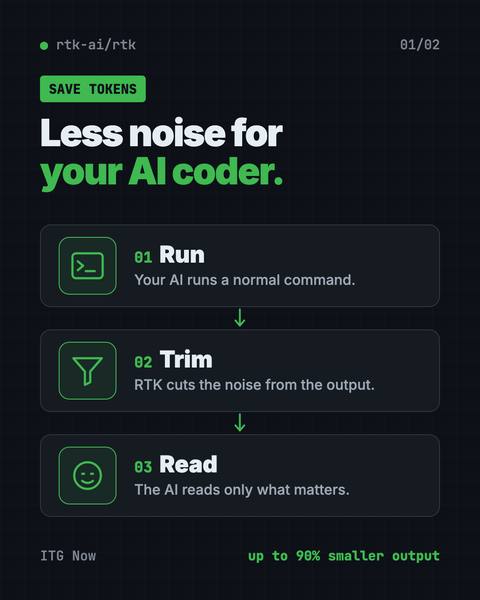
It trims noisy command output before your AI coding helper reads it.
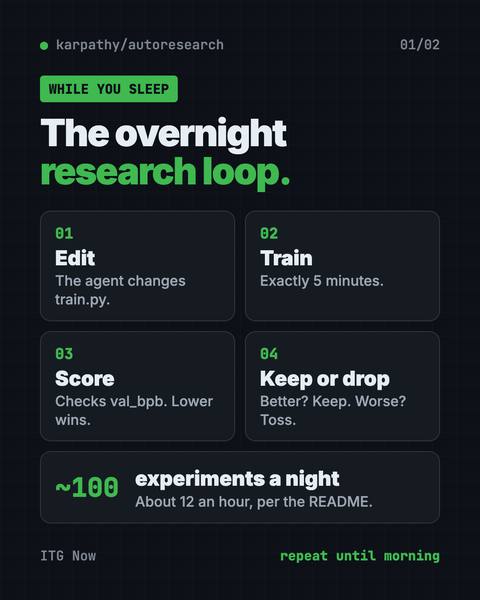
Karpathy autoresearch lets an AI agent tweak, train and test a tiny AI model on its own overnight, keeping only the changes that make it better.
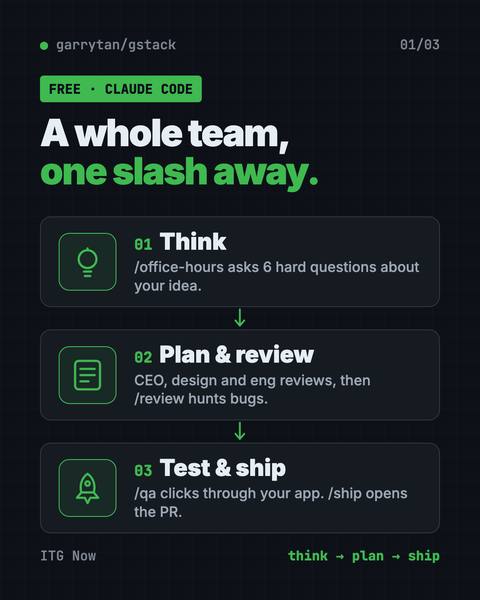
gstack claude code skills turn Claude Code into a free virtual team: a CEO, designer, code reviewer, QA tester and release engineer.
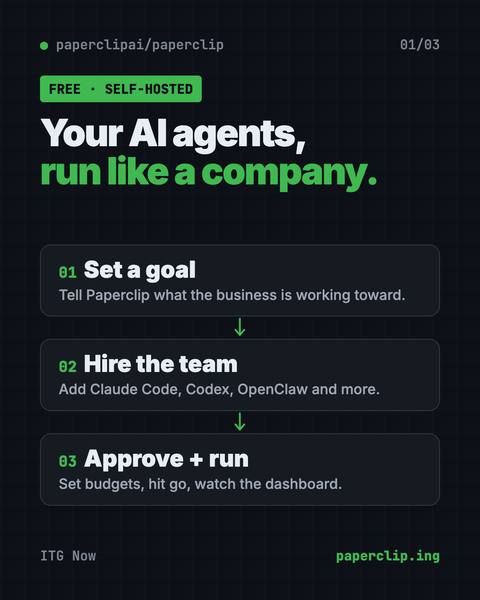
Paperclip is a free, self-hosted app to manage AI agents like a company, with goals, an org chart, budgets, approvals and one dashboard for all the work.
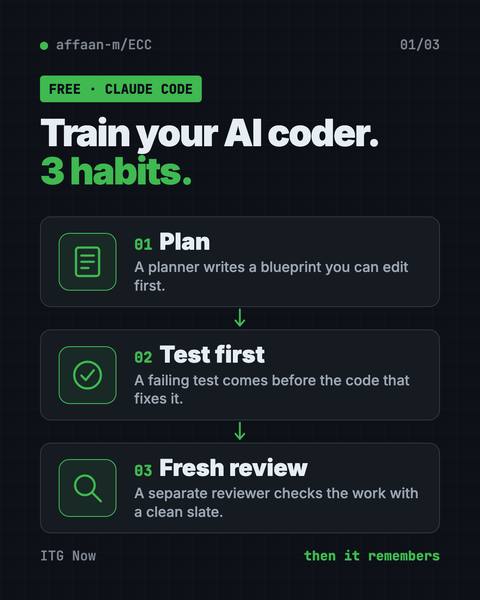
ECC is a free Claude Code plugin with 71 agents, 311 skills, memory and a security scanner.
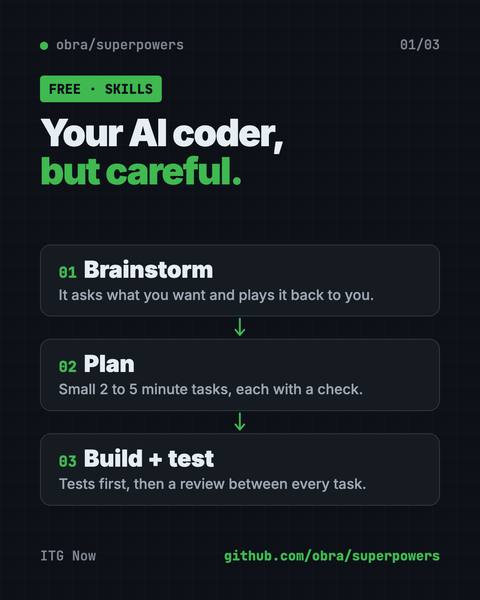
Superpowers is a set of free Claude Code skills that make your AI coder ask questions, write a plan, test and review its work before it calls a job done.
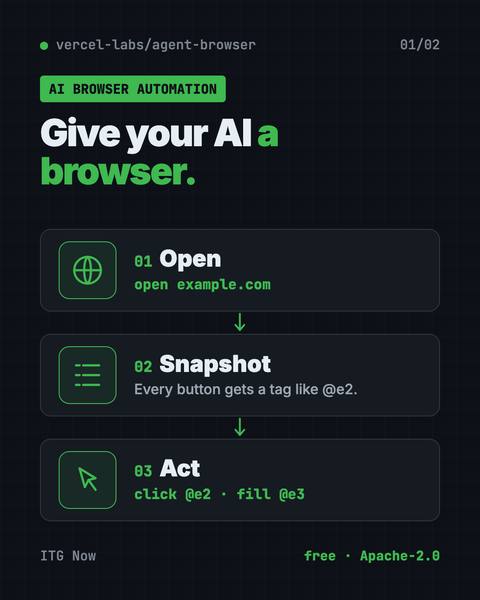
It lets Claude Code, Codex and other AI helpers open sites, click, fill forms and read.
Free and paid AI apps that fit engineers and developers. Prices come from each app's own pricing page, checked on the date shown.
Element Labs
Free app to download and run AI models on your own computer
Free plan + paid from $20/month
Build step-by-step automations and AI agents that link your apps
Free plan + paid from 20€/month, billed yearly
GitHub
AI that suggests and writes code inside your code editor
Free plan + paid from $10/month
Cognition
AI coding helper and editor (Windsurf now points here) that writes code
Free plan + paid from $20/month
Anthropic
AI that works in your project folder and writes and fixes code
Paid from $20/month
OpenAI
OpenAI's coding helper that writes, tests, and fixes code for you
Free plan + paid from $8/month
StackBlitz
Type what app or website you want and it builds it in your browser
Free plan + paid from $25/month
Vercel
Describe a website or app screen and it builds a working version
Free plan + paid from $30/user/month
Comfy Org
Free tool to build your own picture and video making steps, like Lego
Free plan + paid from $20/monthOpen source
Figma
Turn a written idea into an app screen design you can click through
Free plan + paid from $16/seat/month, billed yearly
Huge library of free AI models and datasets you can try and share
Free plan + paid from $9/month
Stars are a rough sign of how many people find a tool useful.
The same guides, sorted by who they fit.
All 29 tools here are open source on GitHub. By license: MIT (18), Apache-2.0 (9), Apache-2.0 / MIT (1), Apache-2.0 + BUSL-1.1 (1). A tool can be free while an AI service it connects to is not, so check the price row in each guide's at-a-glance table.
REA, with 317.7K stars when our guide last checked (2026-10-18).
15 of the 29 guides that list platforms say Mac, Windows and Linux. Each guide's at-a-glance table names the platforms for that tool.
HyperFrames: Make AI Videos From HTML (2026 Guide), published 2026-10-19.
We count visits with Google Analytics to see what helps. OK with that?