 ITG Now
AI for Design, in plain words
Free AI tools for design now cover most of a designer's day: mockups, layered photo edits, diagrams and on-brand web pages. Many open the same files you already use, like Figma's .fig and Photoshop's PSD. Every tool below is free and open source.
What free AI tools do for design
Figma-style design with AI. OpenPencil is a free Figma alternative. It opens and saves .fig files. Press Cmd+J, describe what you want, and the AI builds it with 100+ design tools. You can share a link and co-edit live with no account. The makers say it's "usable today, with some rough edges," per the OpenPencil README.
Prototypes, decks and dashboards. OpenDesign drives an AI helper you already have, like Claude Code, Codex or Cursor. It ships with 151 design systems and reads your brand rules from a file called DESIGN.md. It's Apache 2.0 licensed, with a desktop app for Mac and Windows.
Pages that don't look AI-made. Hallmark from Together AI picks one of 21 themes for your brief, then tests the page against 57 generic-AI patterns. Awesome DESIGN.md gives you 84 ready-made style guides based on real sites. Drop one in your project and your AI coding tool builds pages in that style.
Photo editing like Photoshop. Compositor is a free Photoshop alternative for Apple silicon Macs on macOS 26 or later. It opens 8-bit RGB PSD files with folders, masks and blend modes still editable. PhotoCraft opens and saves layered PSD files on Mac, Windows and Linux, but its makers call it "early alpha," per the PhotoCraft GitHub page.
Diagrams in your brand colors. Diagram Design offers 45 diagram types, from flowcharts to timelines. Point it at your website and it pulls your colors and fonts. Each diagram is one HTML file you can export to PNG or SVG.
Which one to try first
If you live in Figma, start with OpenPencil. If you mostly edit photos on a Mac, try Compositor. If you design web pages with an AI helper, add Hallmark or a DESIGN.md file. Some of these tools are young, so keep a backup of any file you care about. For more ideas, see our free AI tools for creators.
Free AI tools for Design
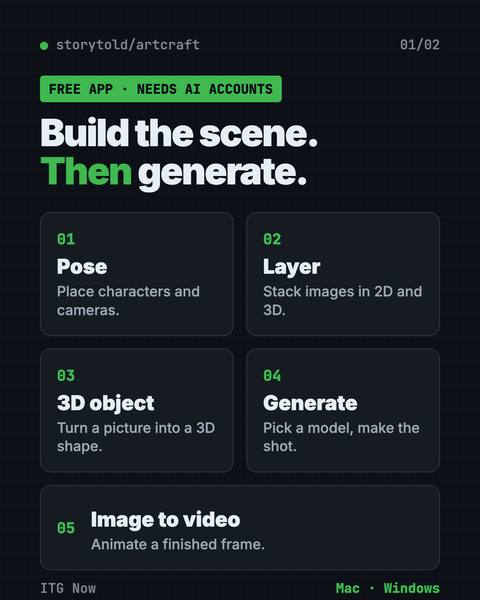
ArtCraft: Free AI Video and Image Studio
Build your scene in 2D or 3D first, then let an AI model make the image or video.
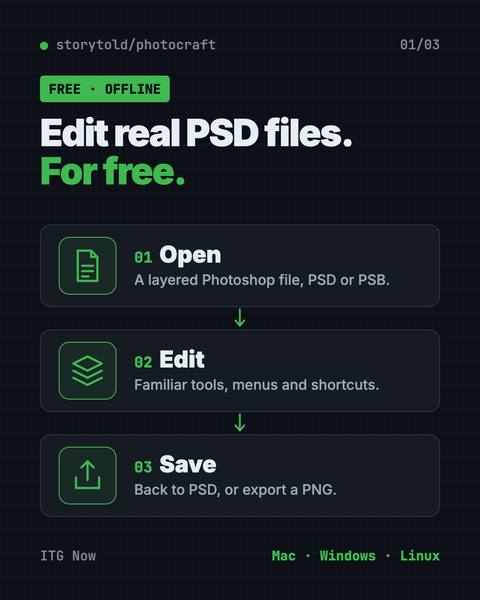
PhotoCraft: Free PSD Editor That Works Like Photoshop
It opens and saves real layered PSD files and runs offline on Mac, Windows and Linux.
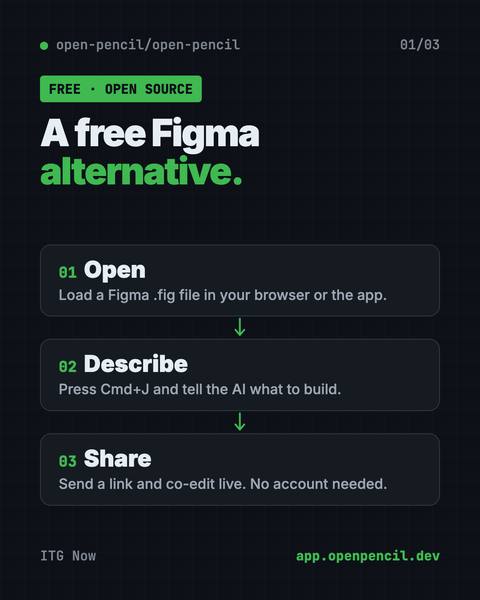
OpenPencil: Free Figma Alternative With AI
It opens and saves .fig files, builds designs from a chat prompt, and lets you co-edit live with no account.
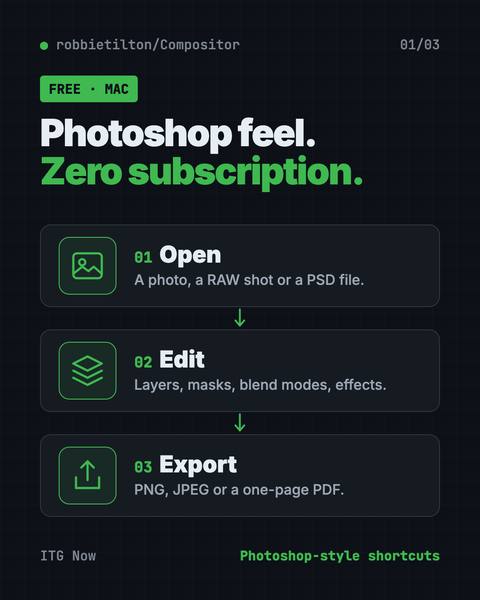
Compositor: Free Photoshop Alternative for Mac
Compositor is a free Photoshop alternative for Mac with layers, masks, blend modes and Photoshop-style shortcuts.
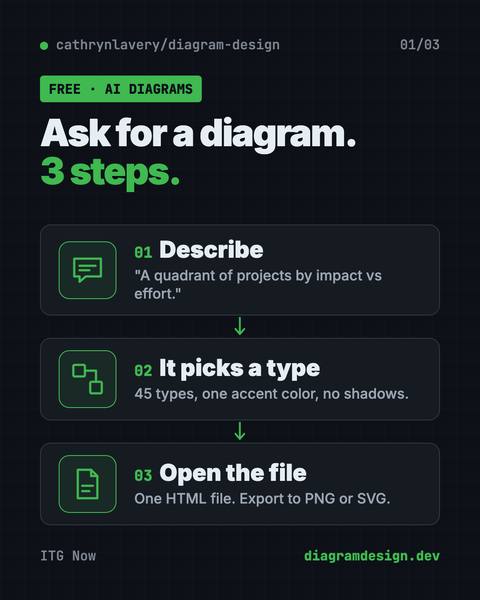
On-Brand Diagrams with Claude: Diagram Design Guide
Ask in plain words and get a clean diagram in one file you can open anywhere.
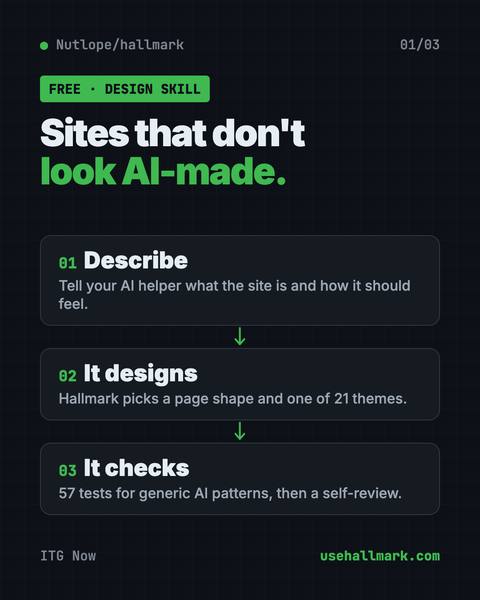
Hallmark: Free AI Web Design Skill for Claude Code
It steers your AI away from generic pages so each site looks like its own brand.
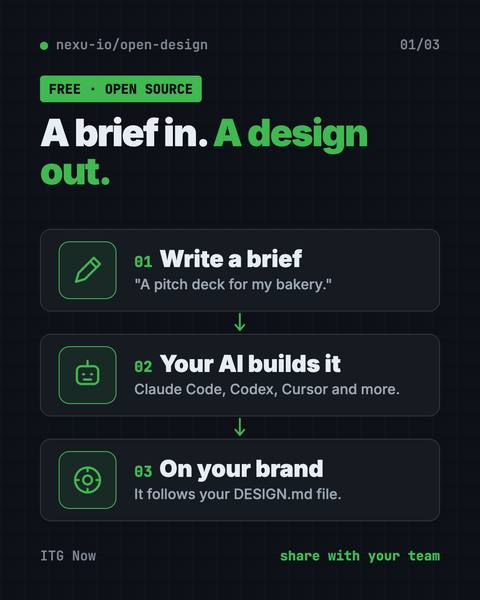
OpenDesign: Free Open Source AI Design Tool for Teams
It uses Claude Code, Codex or Cursor to make on-brand prototypes, slide decks, dashboards and images.
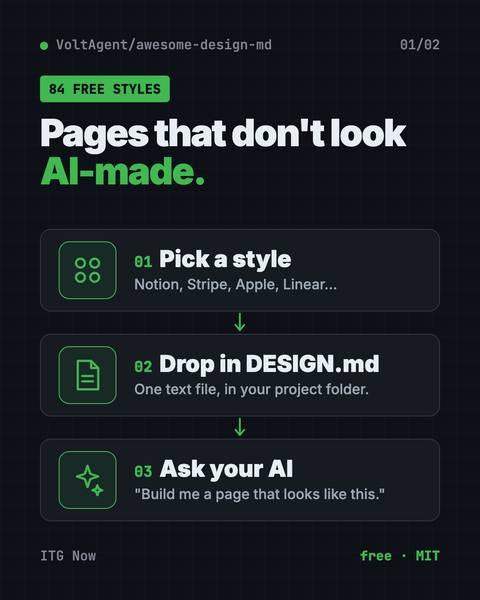
Awesome DESIGN.md: Free AI Design System Files
Drop one in your project and Claude Code or Cursor builds pages in that site's style.
Latest AI news for Design
Stories about design, newest first, then the newest AI news. Each one opens our story page with its sources.
- Apple · Apple spells out its ban on AI nudify appsNew App Review rules target apps making fake nude images and apps hiding features from reviewers.
- Anthropic · Anthropic puts 5% of its shares in a public fundAnthropic says a new Public Benefit Fund starts with 5% of its shares, pending shareholder approval; it will not fund lobbying.
- World Bank · World Bank bets on 'small AI' for poorer countriesIts knowledge chief says small models on basic phones could speed growth by decades.
- Microsoft · Microsoft pulls out of a UK AI data center dealThe Telegraph reports Microsoft cancelled its anchor-tenant deal to rent about 23,000 Nvidia chips at Nscale's Essex site; Nscale says other deals are unaffected.
- Meta · Meta pulls web-scraping line from its business termsMeta removed wording that let it use content from business accounts' websites to train products. It says crawling is unchanged.
- DeepSeek · DeepSeek's free model update chases Claude on codingDeepSeek released V4.1-Flash-1017 with open weights; it scores 77.0 on the DeepSWE coding test, by its own numbers.
FAQ
Is there a free Figma alternative with AI?
Yes. OpenPencil is free and open source, opens and saves .fig files, and builds designs from a chat prompt.
Can a free app open Photoshop PSD files?
Yes. Compositor opens 8-bit RGB PSD files on Apple silicon Macs, and PhotoCraft opens and saves layered PSD files on Mac, Windows and Linux. PhotoCraft is still an early alpha.
How do I stop AI web pages from looking generic?
Use Hallmark, which checks a page against 57 generic-AI patterns, or give your AI helper a DESIGN.md style guide from Awesome DESIGN.md.
Other fields
- 102 articlesAI for Developers
- 95 articlesAI for Everyone
- 45 articlesAI for Business
- 21 articlesAI for Creators
- 20 articlesAI for Marketing
- 14 articlesAI for Finance
- 13 articlesAI for Students
- 12 articlesAI for Government & Law
- 10 articlesAI for Jobs & Careers
- 9 articlesAI for Media
- 8 articlesAI for Education
- 4 articlesAI for Healthcare
- 1 articlesAI for Engineers